First a quote: “Email is familiar. It’s comfortable. It’s easy to use. But it might just be the biggest killer of time and productivity in the office today.” – Ryan Holmes
Hello and happy Monday.
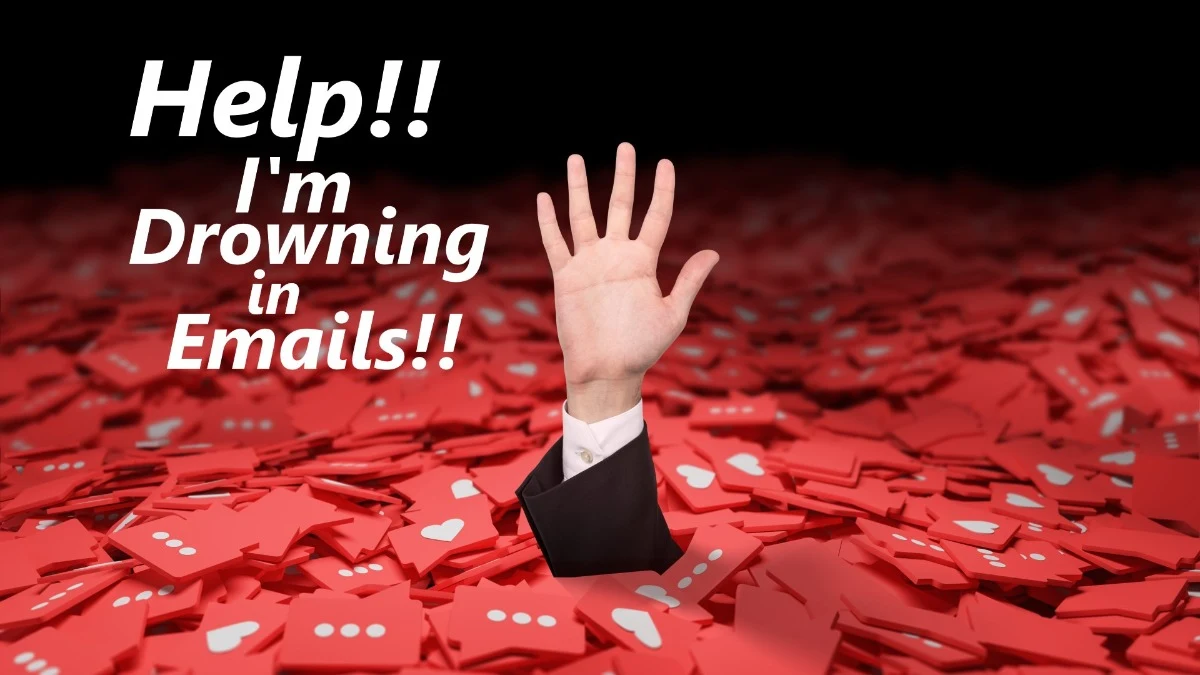
I often ask workshop participants how many emails they receive on a typical day. Most average well over 100 per day, with many commonly reporting more than 200. And, like most of us, they struggle with how to sort, prioritize, and respond to the truly important messages on a timely basis. Sound familiar?
One of my coaching clients (a CEO) recently lamented over receiving a very lengthy email request from a junior associate. Because of its length, my client made the decision to hold off reading the email, in its entirety, until he had more time to thoughtfully read and respond, which ended up being several days later.
He finally read the entire email early on a Sunday morning, at home, during his personal weekly planning time. Reading all the way to end, he discovered the author had requested an immediate response… and that request was at the bottom of the lengthy email!
He felt awful about not being more responsive. He was concerned the sender might have assumed he was uncaring, or worse yet, didn’t value the person as an important team member. That couldn’t have been further from the truth.
The problem… the request for a quick response, was buried at the bottom of a very lengthy email, not at the top where it might have been seen more easily.
I submit “email overload” is a common problem faced by almost all of us in the business world today.
For me, the question becomes; Are we part of the problem? Or part of the solution?
What if that author had put “request for immediate response” in the subject line of that email? So, when scanning and sorting through an inbox overflowing with 200+ emails, that author could have helped the CEO more easily find the items that needed his immediate attention.
Imagine how helpful it would be if all of us utilized more informative Subject Lines. For example:
-
FYI only – Update on Quarterly Product Report; NRN (no response needed)
-
Action requested – Budget approval needed by Friday, 10/6.
-
Friendly reminder – staffing review due next week. NRN
-
Low priority – Upcoming holiday celebration plans
-
Decision Needed/High Priority – 1st QTR Capital Expenditure priorities due on EOD Tuesday.
-
Vacation Request – Please confirm receipt.
“Treat your subject line like a movie trailer – give a preview so the receiver knows what to expect.”
For people receiving hundreds of emails, and assuming most of those emails to be important, we could easily help our audiences better prioritize their limited email processing time.
We could easily write an entire book on effective email utilization. Here are just a few brief thoughts for your consideration:
-
Start with a Clear Subject line . (enough said about this above)
-
Assume Your Reader is Time Constrained – Imagine you’re going on a 3-story elevator ride with the executive/person you’re trying to reach. You have three floors to make your point. What is your most important point? How will you make it? What information is critical and/or of the highest priority?
-
Lead with your “call to action” or question – State your intention, request, or call to action in the opening sentence or paragraph. Follow with any supporting information or documentation.
-
Keep it Concise - In our fast-paced world, brevity is key. Be concise and get to the point quickly. Long-winded emails are often ignored or skimmed, leading to important details being missed. If you have a lot to convey, consider using bullet points or numbered lists to make your message easier to digest.
-
Organize Your Content – Structure your email with a logical flow. Use paragraphs and spacing to break up large chunks of text, making it easier for the reader to follow along. Conclude with a summary of action/decision needed.
-
Be Mindful of Attachments – If your email includes attachments, ensure they are relevant and necessary for the recipient. Clearly label the attachments and mention them in the body of the email. Consider using cloud storage links for large files instead of clogging up the recipient’s inbox.
-
Ask about Receiver Preferences – Ask the people you email frequently about their style preferences. When do they prefer a call/face-to-face meeting vs an email? Do they prefer bullet points or paragraph explanations? How, and when, is the “Reply to All” button appropriate? Use of the CC option, when and in what situations? A helpful hint: this would be an excellent topic to discuss in a staff meeting.
-
Be Aware of Impression Management – Remember that each email you send is an opportunity to showcase your professionalism and clarity of thought… make it count. Be a professional!
I know I spend way too much time processing and responding to emails, and since I have departed the corporate world, I’m not getting 200 emails a day. I have empathy for those who do.
Let’s all be more thoughtful senders of emails this coming week.
What advice would you offer to others based on your experience and preferences? Please share. We could all benefit from being better, more user-friendly senders of email.
Recommended Reading:
Effective Emails: The Secret to Straightforward Communication at Work by Chris Fenning
How will you live, love, or lead, differently, or better, this week?
Bonus Quotes Below.
Sincerely,
Bryan Yager
“Expanding Your Capacity for Success”
Do you know someone who might benefit from this weekly leadership minute? If so, please feel free to pass along the subscription link below:
-
On LinkedIn: Click here to subscribe to the MMM newsletter on LinkedIn. (Recommended)
-
Via email: Click here to subscribe to MMM and have it sent directly to your email inbox each Monday. (Please note: I plan to discontinue this service on August 1, 2023. If you’re on LinkedIn, I recommend subscribing with link above.)
Bonus Quotes:
-
“There is life and death in every email.” – Bill Gates
-
“Email is very informal, a memo. But I find that not signing off or not having a salutation bothers me.” – Judith Martin
-
“I don’t believe in email. I’m an old-fashioned girl. I prefer calling and hanging up.” – Sarah Jessica Parker
-
“The age of technology has both revived the use of writing and provided ever more reasons for its spiritual solace. Emails are letters, after all, more lasting than phone calls, even if many of them r 2 cursory 4 u.” – Anna Quinden
-
“Cellaholics are those who interrupt quality time when they are with you, but rather text, call, and email others who are somewhere else .” – Jayce O’Neal
-
“People live too much of their lives on email or the Internet or text messages these days. We are losing all our communication skills.” – Tracy Morgan
-
“People get too many messages, which they do not have time to read. This also means that the important messages are difficult to find in the large flow of less important messages.” – Jacob Palme